Office-Controlled Invites
Family members never sign themselves up. The office invites them per client from the new "Family Access" tab on the client profile — choose who they are (daughter, son, spouse, POA, friend, etc.), tick which permissions they get, send the invite. The system emails them a 48-hour set-password link.
Each invite carries five granular permissions: View schedule, View visit notes, View shared documents, Send messages to the office, Mark as primary contact. Toggle any of them off and that capability silently disappears from their app — they will never see a feature they were not granted.
Office staff can resend the invite if the email never arrives (the new setup link is also copied to the clipboard, so you can paste it into WhatsApp), edit the family member's name, change their permissions, or revoke access at any time. Revoke is instant — they lose access on their next request.
Today Screen
When a family member opens the app, the first thing they see is today. If a carer is currently on site, that visit is highlighted as "Now". Completed visits show their times and the carer's notes inline. Upcoming visits show who's expected and when.
This is the "is mum okay today?" answer in one glance. No scrolling, no menus, no searching — just the day's care timeline.
Care Diary
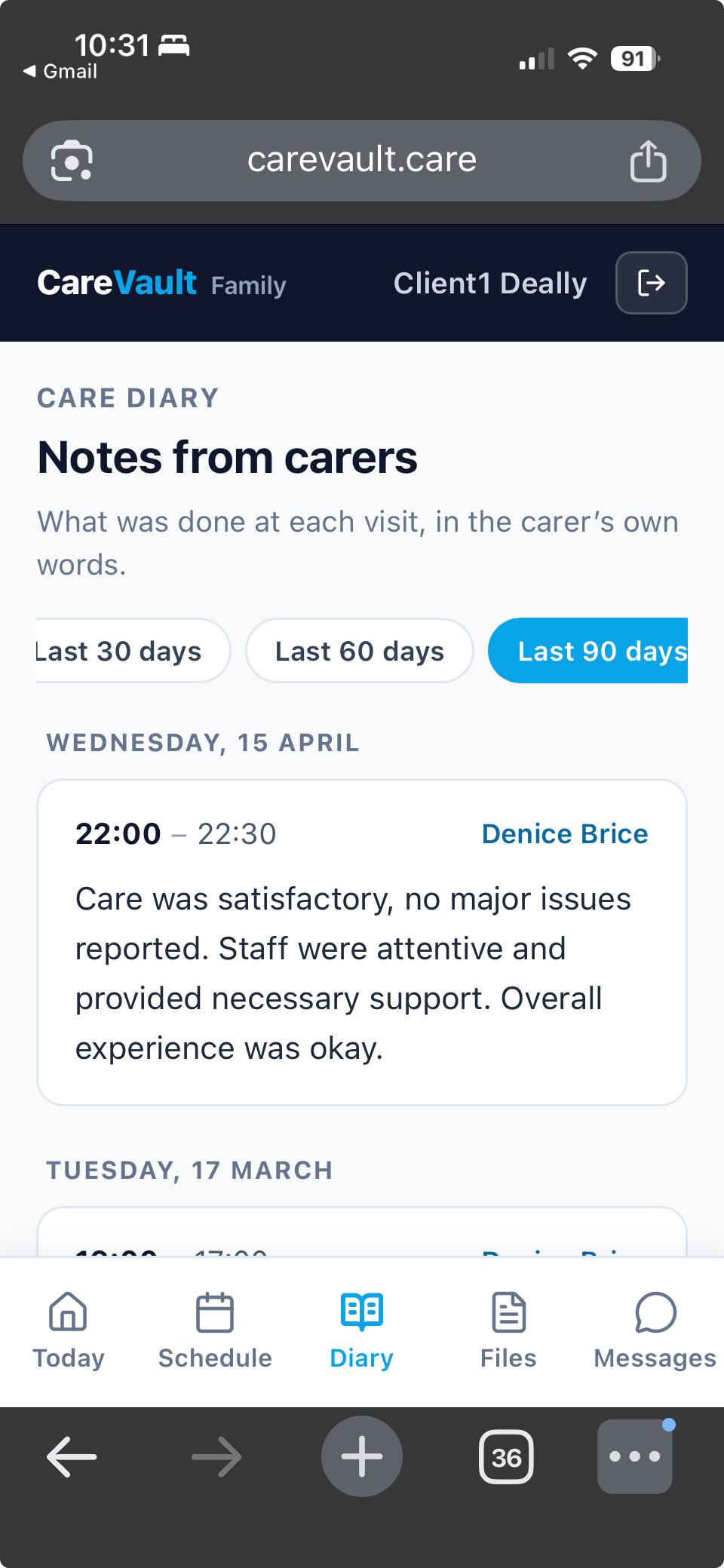
Every visit note the office has chosen to share appears in a chronological feed grouped by day, in the carer's own words. Family can filter to the last 7, 14, 30, 60, or 90 days.
This is the heart of the app. Adult children of elderly clients tell us they want to know what actually happens at each visit — not a sanitised summary, but the real care notes that the carer wrote when they left. The Care Diary delivers exactly that, with full office control over which visits are shared.
Schedule View
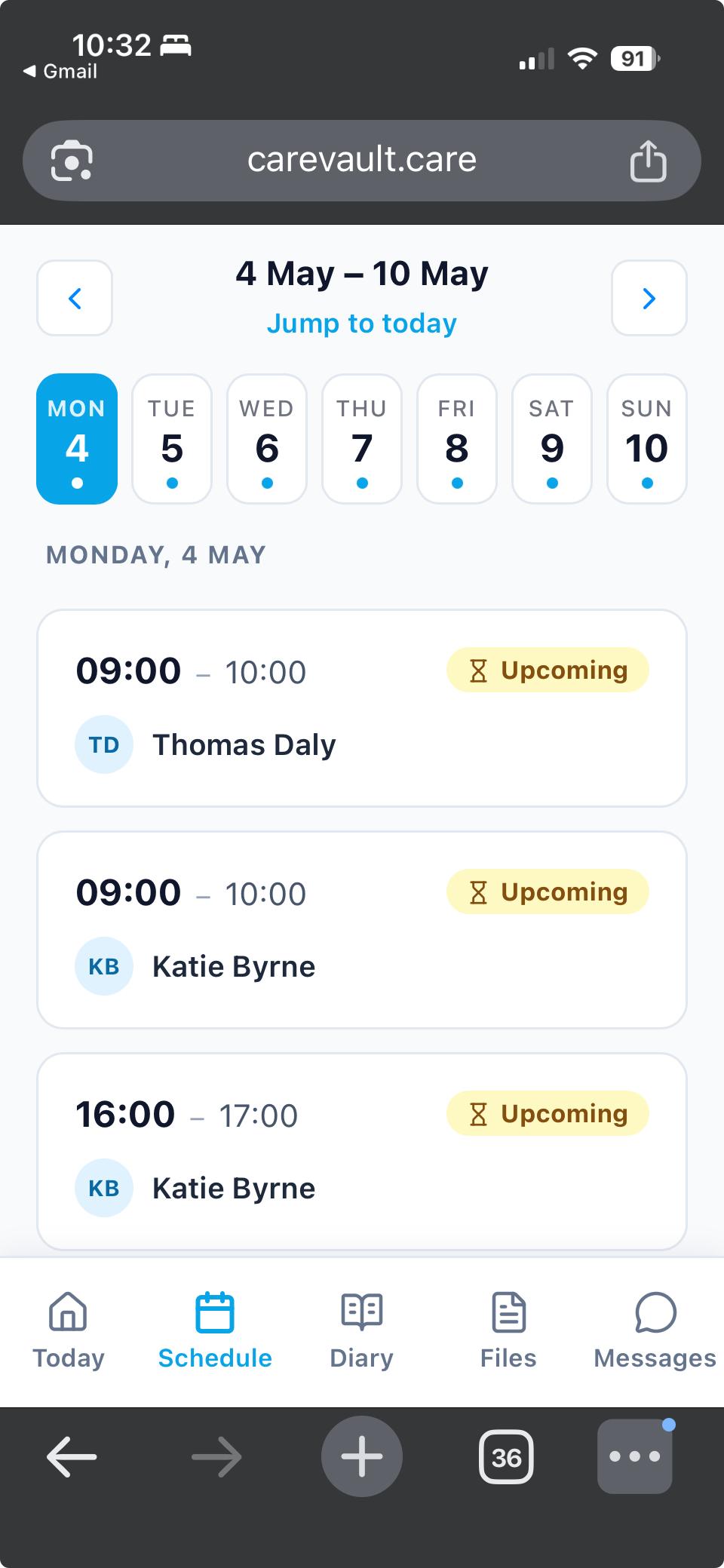
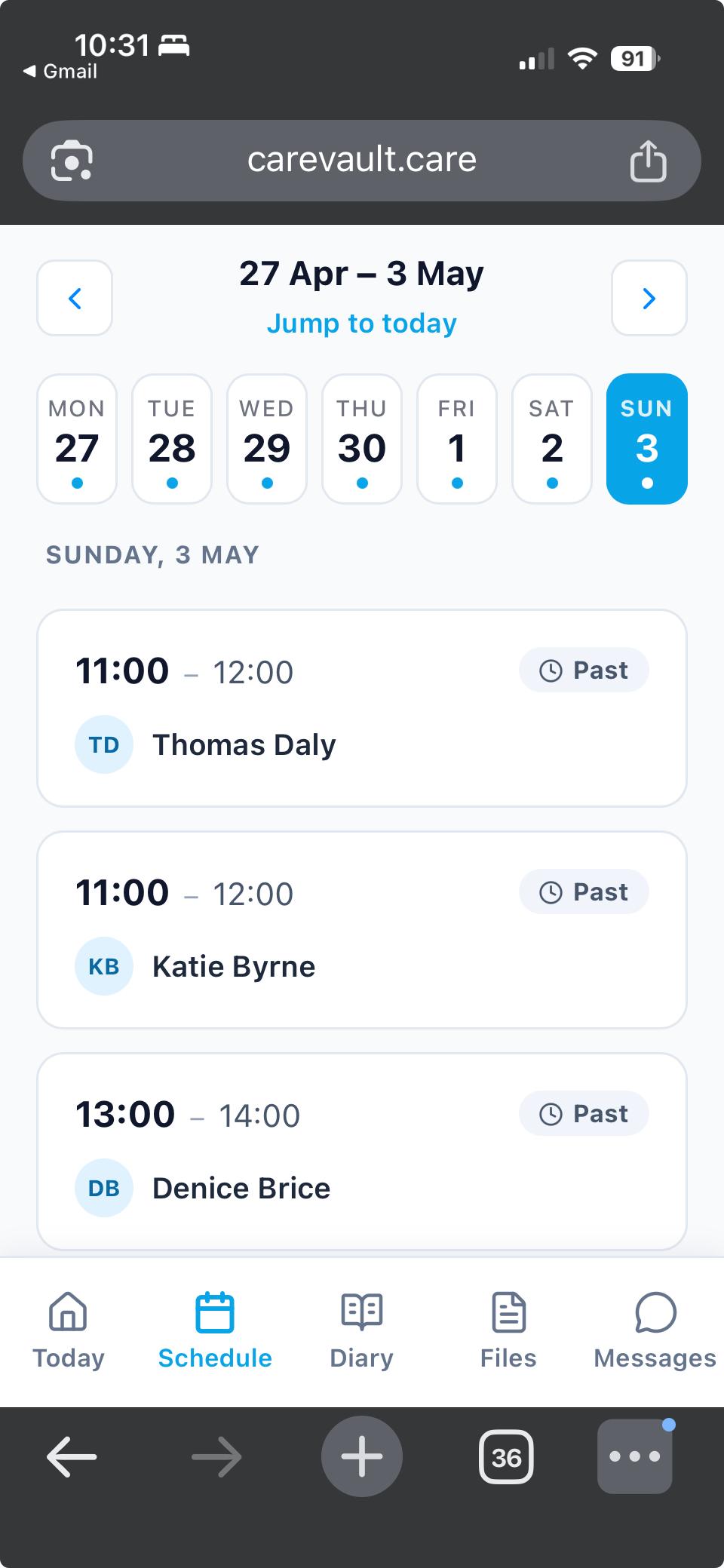
A week-by-week calendar showing upcoming and recent visits with carer name and time. Family can see who's coming on Tuesday, what time the second visit on Friday starts, and which carers tend to be assigned to their loved one.
Visits the office hasn't shared (or events that were never published) simply don't appear — same gating as the Care Diary.
Shared Documents
Care plans, assessments, summary letters, GP correspondence — whatever the office wants the family to be able to download. Files are private by default; the office ticks "Shared with family" on the Documents tab to expose them.
Each download is audited so the office knows exactly who downloaded what and when. GDPR-compliant out of the box.
Two-Way Messaging
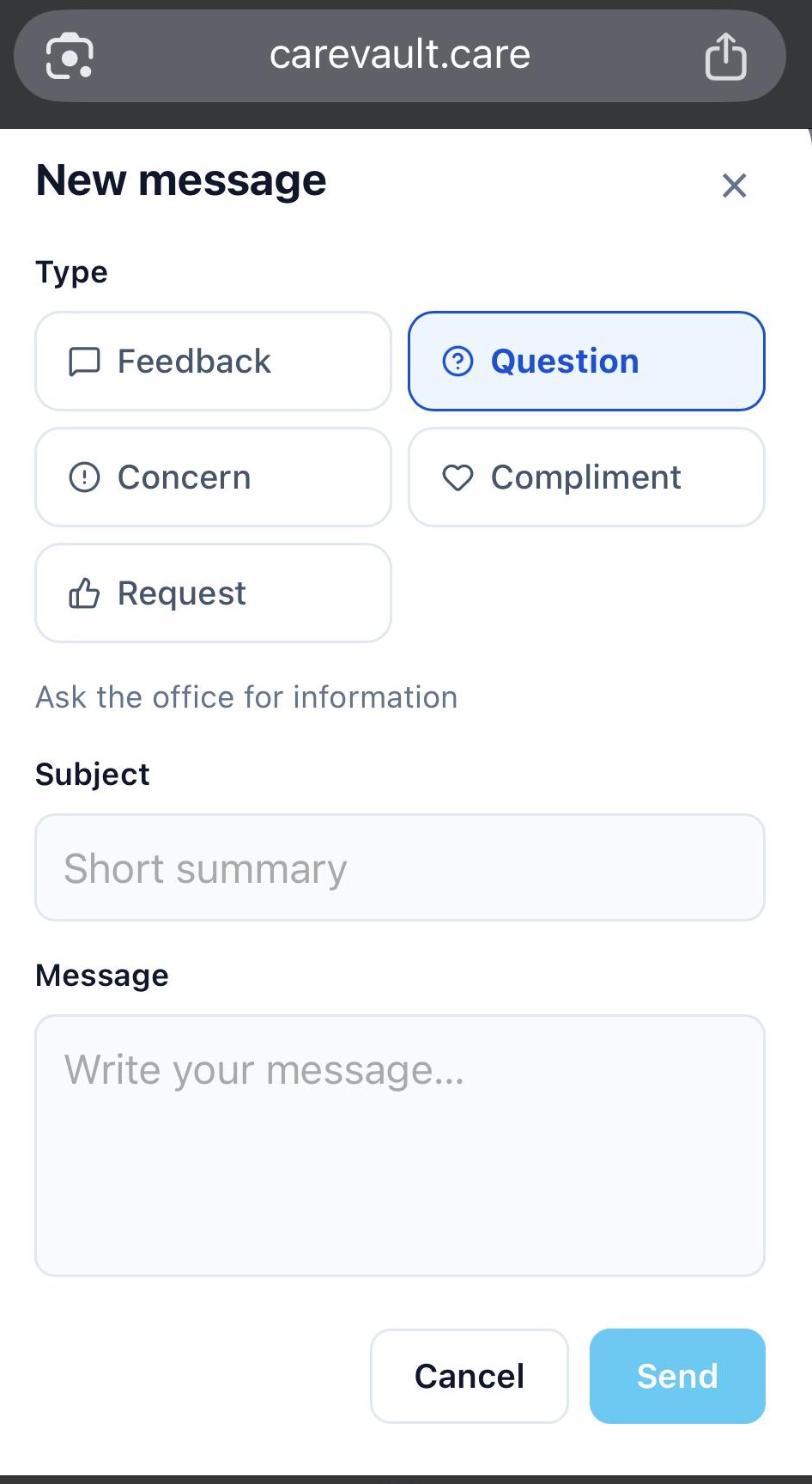
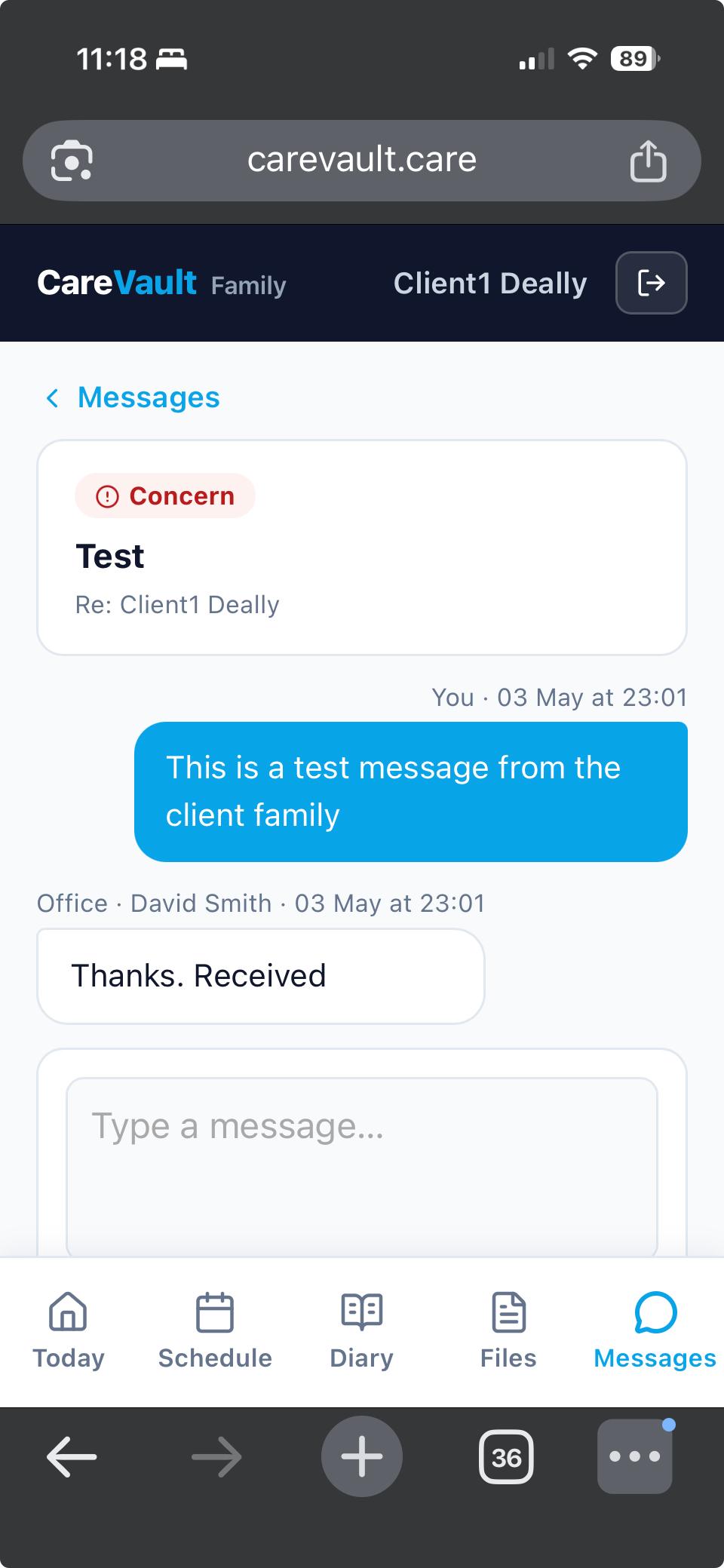
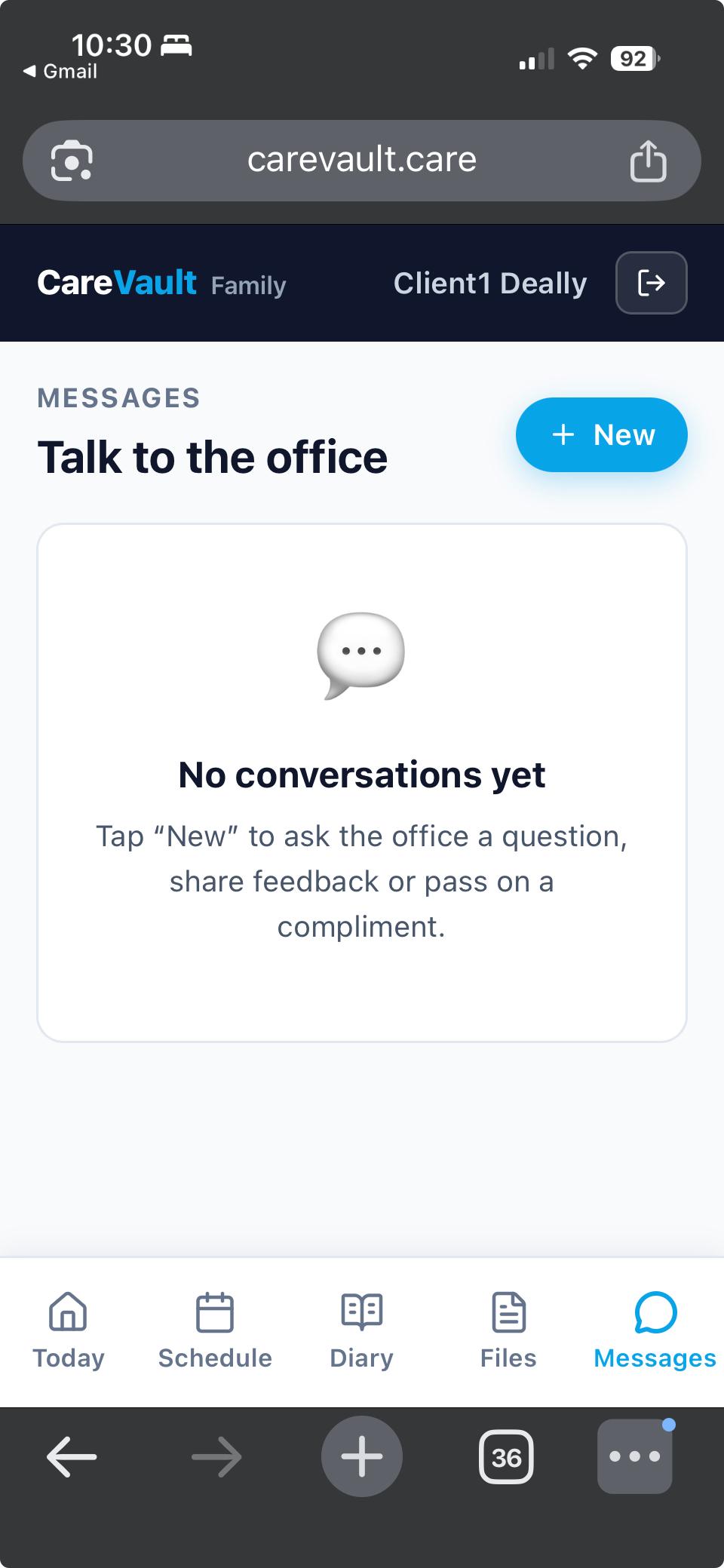
Family members can start threaded conversations with the office in five categories: Question, Concern, Compliment, Feedback, or Request. Each category has different routing on the office side — Concern emails the COMPLIANCE role too and prefixes the subject with 🚨, while Compliment emails get celebrated and shared with the carer team.
Office staff reply from the new Family Responses inbox at /family-responses. The conversation continues until office marks the thread Resolved (which closes it to new family replies but preserves the history). Threads can be reopened any time.
Both sides see clear unread indicators. Office gets emailed on every new family message; family gets emailed when office replies. Nothing falls through the cracks.
Email Notifications, No Push Required
We deliberately built Family Access as a mobile-first web app rather than a native iOS/Android download. The reason: install friction is the #1 barrier for the audience we are targeting. A daughter being told "download the app from the App Store" is significantly less likely to ever actually use it than one who is sent a link.
Email handles every notification today: family is emailed when a carer leaves a new visit note on a shared visit (debounced — one email per visit, not per edit), and office is emailed on every new family thread or reply. Email works on every phone, every laptop, every email client. Zero install, zero setup.
Family members who want an app-like experience can "Add to Home Screen" from their phone browser — the page is a fully installable PWA with its own icon, standalone window, and portrait orientation lock.